
Welcome back to the blog.
This is a series of blog posts meant to highlight free design resources such as:
- Colour Palette Tools
- Fonts
- Font Pairing Tools
- Stock Images and Icons
- Mockups
- Miscellaneous Resources
These are all resources that I’ve genuinely used in the past and plan on using for future design projects.
To keep things current, I plan on updating these posts whenever I discover a resource that I enjoy using. In other words, if I like it, you’ll be hearing about it.
Author’s Note: You will come across the words “font” and “typeface” being used in this post. For clarity, Typeface refers to a family of characters, such as letters, that belong to a specific family, e.g. Times New Roman. Font refers to a specific variation of the typeface such as Times New Roman Bold 12 pt or the digital file you install and use on your computer. However, they are both used interchangeably in the modern age.
This post is going to focus on Font Resources.
Here are some of my favourites:
1. Google Fonts
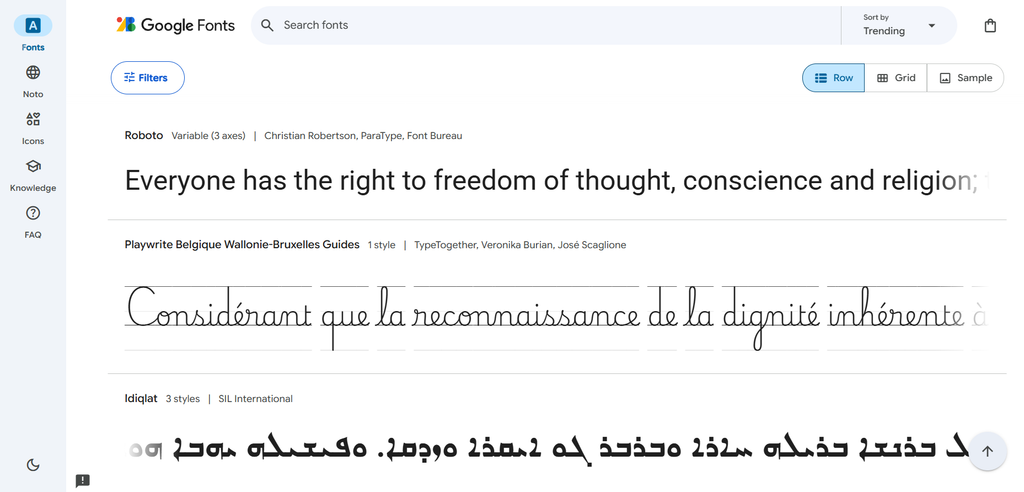
Google Fonts is a well known staple in the font community because they provide an array of typefaces in a variety of styles, ranging from simple to fancy, that are free for personal and commercial use. This means that you neither have to pay, nor give attribution, if you decide to use them in your work.
These typefaces are also widely supported across almost all modern web browsers and devices, which means that they will be seen if you use them in web based projects.
There are filters you can adjust to help you find the exact font you’re looking for and it allows you to preview what your text would look like. Some of my go-to fonts were sourced on Google Fonts, so personally, they’re definitely worth mentioning.
And if you think that they may be a little too commonplace, they’re a great foundation for customisation in your favourite design software.
2. Font Squirrel
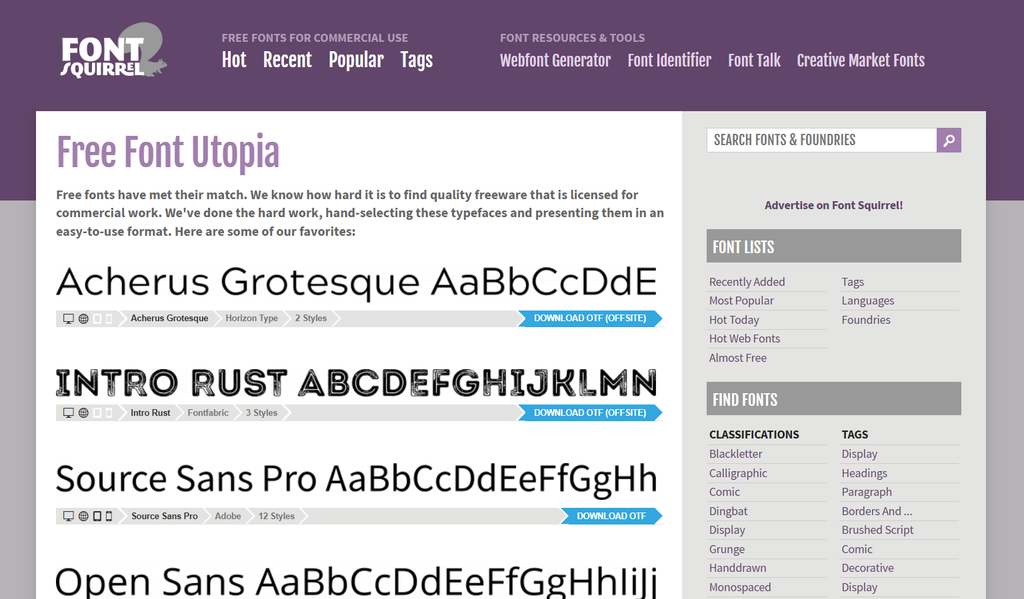
Font Squirrel is another database for finding typefaces that are free for personal and commercial use and it also provides you with access to a preview of what your text would look like before downloading.
3. FontShare
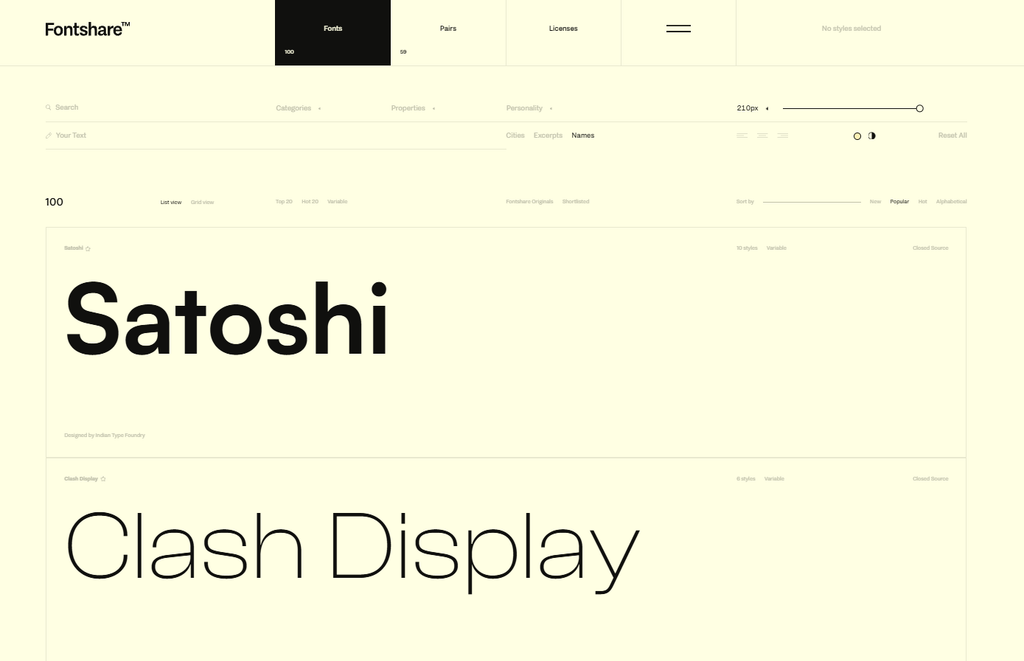
I love Fontshare’s clean and sleek user interface. It feels very polished, which gives you the feeling of a premium experience. This may not add anything to the fonts themselves, but it doesn’t hurt either.
Each preview gives you a clear breakdown of what each letter in the typeface looks like in its respective font, which is a nice additional touch.
The best part? They’re all available for personal and commercial use as well.
4. Open Foundry
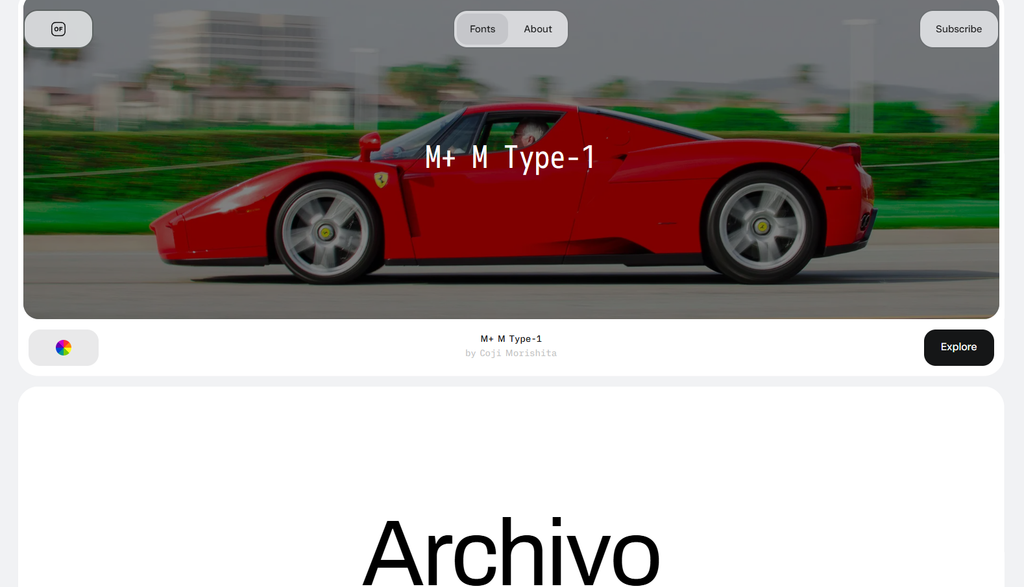
Open Foundry is another sleek and polished font platform. Their array of available typefaces is smaller than some of the others on this list. But, they’re all available for personal and commercial use, so in my humble opinion, that makes up for any limitations.
5. Fontspace
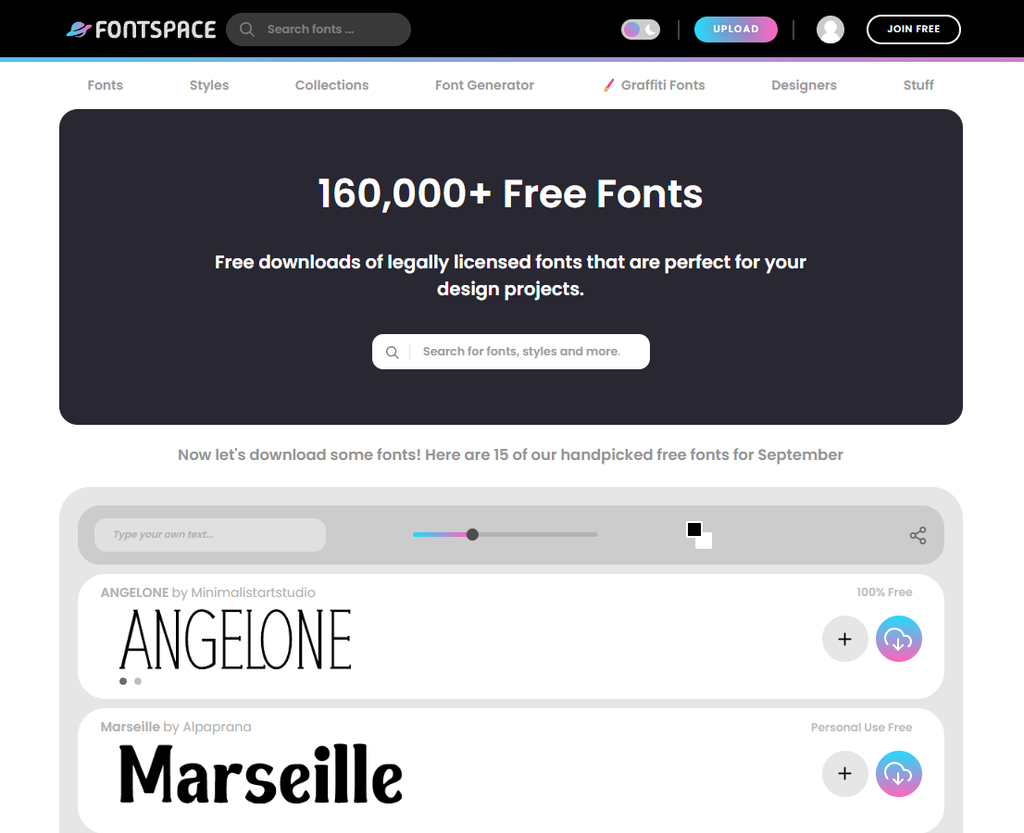
I love the wide variety of typefaces available on Fontspace. You’re sure to find something you’ll want to use for a future project on their platform with filters that allow you to narrow down what you’re looking for.
Just be sure to check the license agreement under each typeface. It’ll let you know if it is available for personal and commercial use or if you’ll need to purchase an exclusive license in order to use it in your commercial, aka, paid projects.
6. DaFont
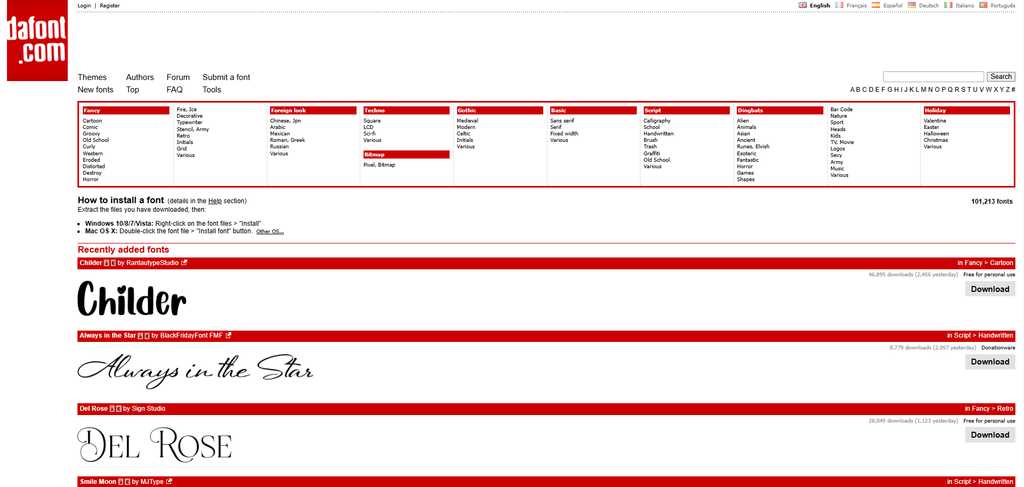
Just like Fontspace, I love the variety available on this platform. Some of the most creative fonts in my collection were downloaded from Dafont. They offer the option to search for fonts via themes, right at the top of the page to make it easy for you to discover something new.
But once again, check the user license agreement in order to confirm whether or not the font is available for commercial use or if you’ll need to purchase an exclusive license.
So there you have it. Some of my favourite free resources for fonts.
Given that font styles can play such an important role in any design, you can never have too many resources in your arsenal. So consider checking these out.
I’m confident that you’ll find something new and interesting that you’ll be excited to use in a future project.
If you found this list helpful, be sure to share it with a fellow creative and I’ll catch you in the next one.
Happy exploring!
Until next time,
Naomi