
The world of art and design is vast. Your only limit is your imagination. But sometimes, if you’re a digital designer, your limit is actually a paywall.
When it comes to the assets that you use in your design projects e.g. fonts, illustrations and mockups, sure, you can make many of them yourself. But, this can be time consuming and would mean taking more time than it took you to create the overall design itself. So if you’re a designer on a budget, I understand and relate.
Luckily, there are many assets available online that are free to use and I’m here to share with you the ones I’ve discovered and loved so far.
These are all resources that I’ve genuinely used in the past and plan on using for future design projects.
This post will be one, in a series of blog posts, meant to cover the following resources:
- Colour Palette Tools
- Fonts
- Font Pairing Tools
- Stock Images and Icons
- Mockups
- Miscellaneous Resources
To keep things current, I plan on updating these posts whenever I discover a resource that I enjoy using. In other words, if I like it, you’ll be hearing about it.
This post is going to focus on Colour Palette Tools. So, without any further preambling, here are my favourites:
1. Coolors
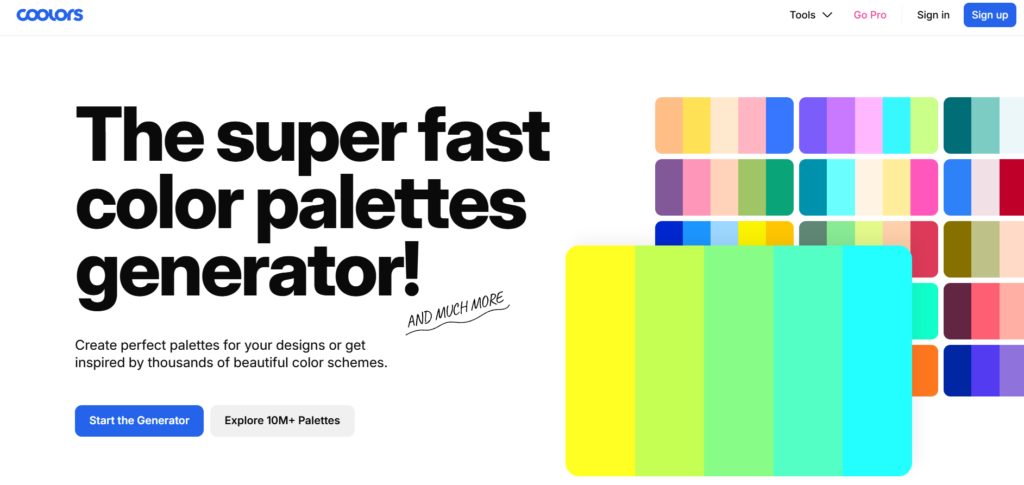
Coolors is a colour palette generator that allows you to create custom colour and gradient palettes, explore pre-made palettes, extract colours from images, check the contrast levels of your colour combinations, and so much more.
It’s a designer’s dream. Although I must warn you, it is super easy to get carried away generating colour palettes and lose track of time!
I even enjoyed exploring their pre-made palettes so much that I ended up making several mobile wallpapers that you can actually download for free here.
2. Adobe Color
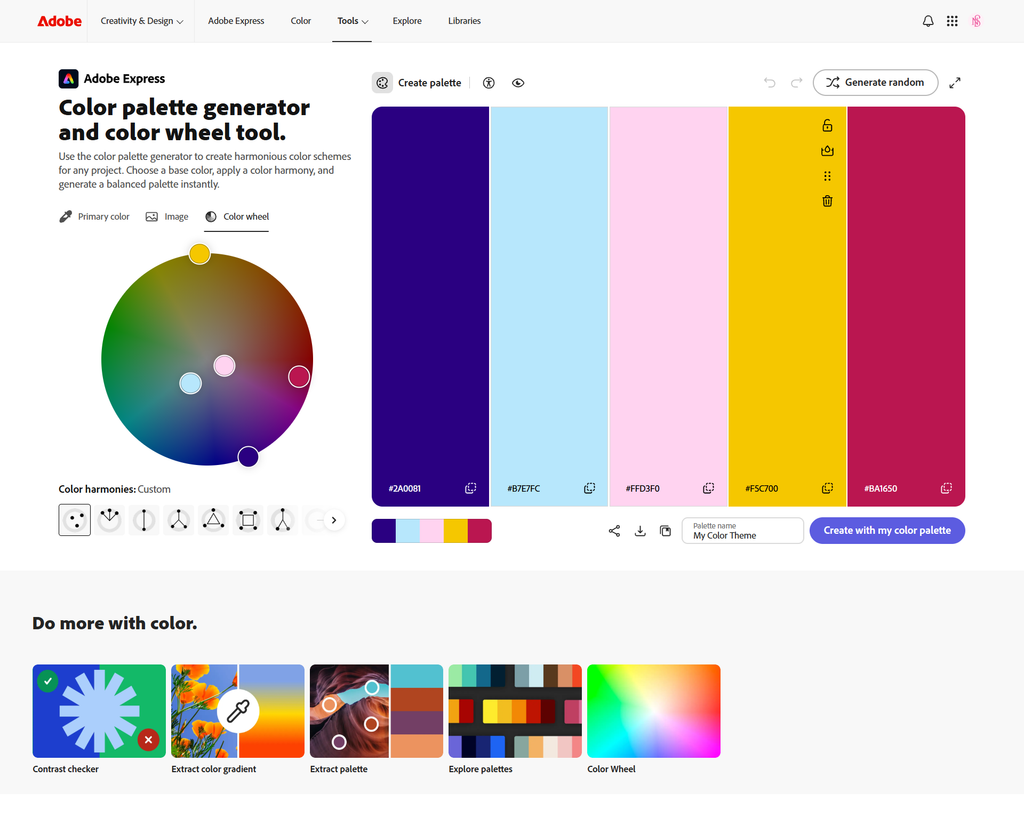
Adobe Color allows you to perform similar functions as Coolors, such as explore colour palettes, as well as extract colours and gradients from images. But what I like best is the colour wheel feature.
It allows you to generate colours based on theoretical colour harmonies such as analogous and complementary colours.
It’s a great way to visually ensure that your combinations align with colour theory principles.
3. Gradients App
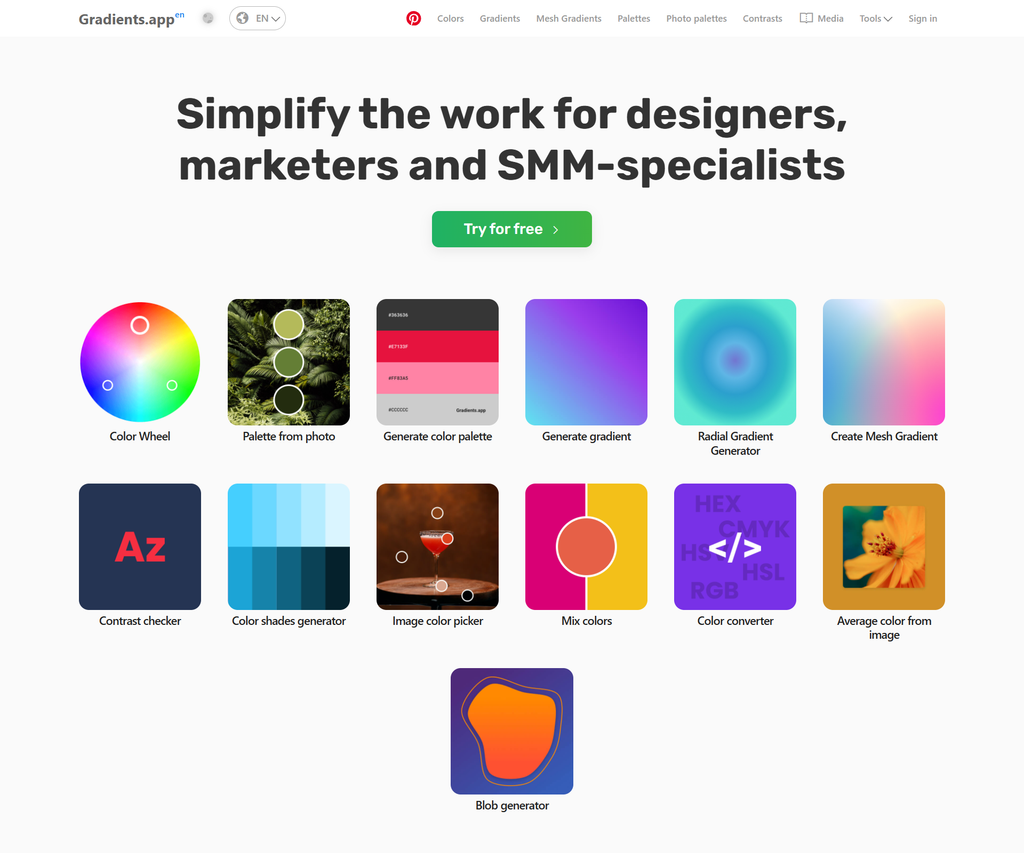
Similarly, this tool allows you to perform functions that are similar to the two previously mentioned resources. Although, it does go a little further in allowing you to generate a variety of gradients, (as the name implies), which gives you more options to work with in your projects.
So there you have it. Some of my favourite colour palette tools.
They’re already pretty popular so you may have heard of them before. If not, I recommend that you check them out, as they’ve been helpful to me in the past and you may find that they’ll be helpful to you in the future.
If you found this list helpful, be sure to share it with a fellow creative and I’ll catch you in the next one.
Happy creating!
Until next time,
Naomi